Skills
Skills to design, make, and grow with your AI agent.
Your idea.
A printable design.
Describe an object. Your agent settles the sizes, models it, and checks the fit before you print.
Explore skill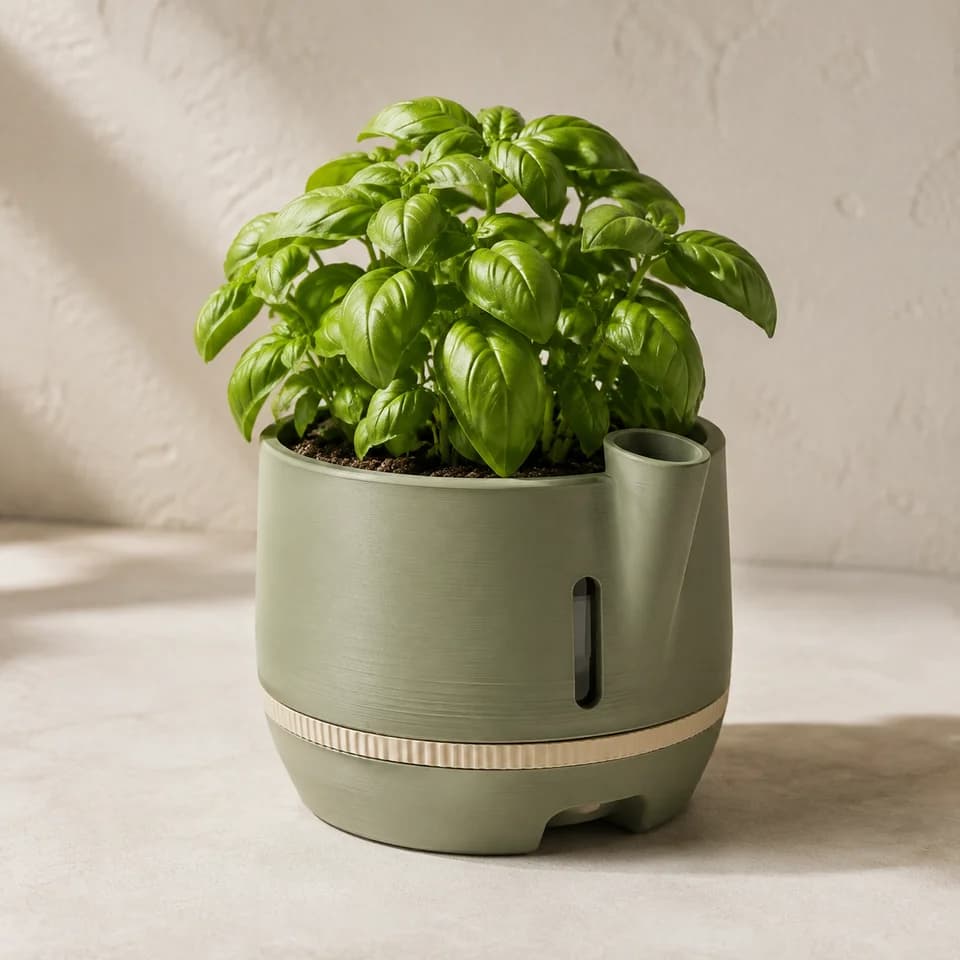
Guides and skills
Ready to run in your agent.



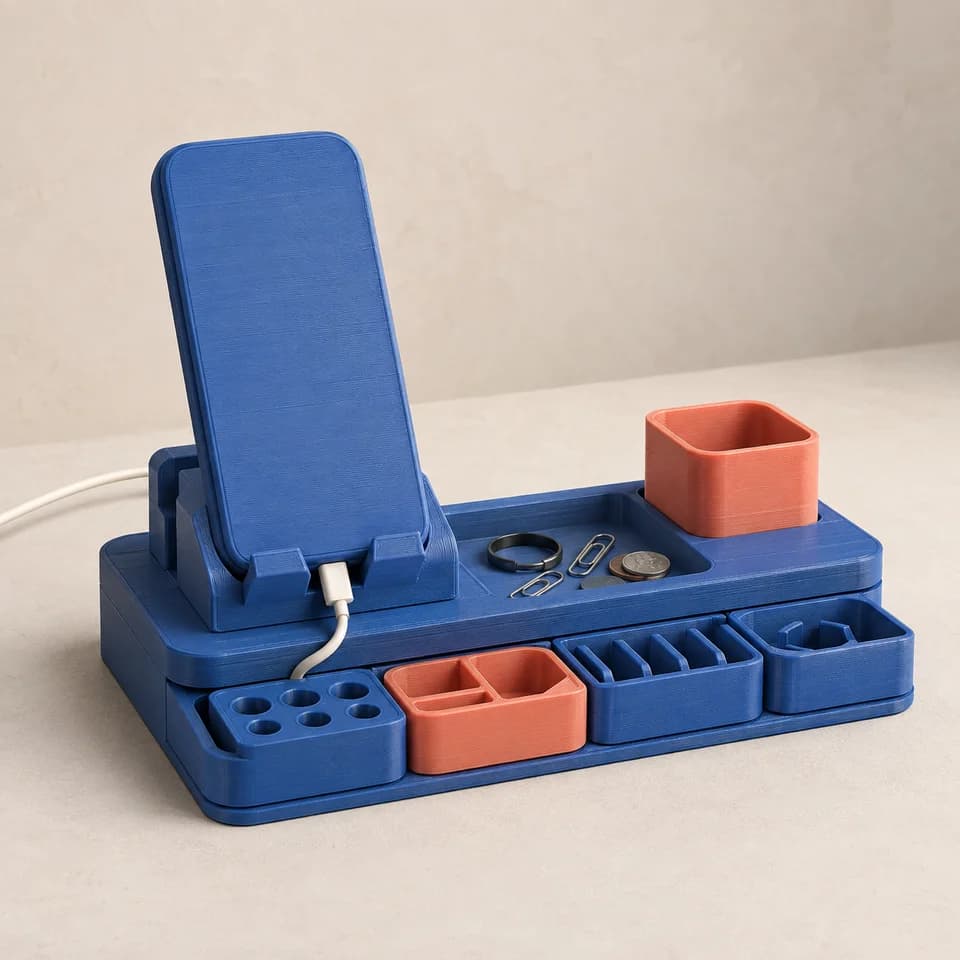
Getting started with Benchy
Connect an agent to Benchy, choose what it may do, and work with your projects, models, canvases, websites and skills.
Upload and check 3D models
Upload models to World, read the file-check results, and fix what they find before you publish or sell.Move your shop to Benchy
Bring your own models from Thangs, MakerWorld or local files to World as private listings, with prices, licenses and membership plans you confirm.
Plan a print project
Plan a print with measured dimensions, a printer and material, output files, and acceptance checks.
Prep a model in Blender
Check a Blender model's scale, mesh, and wall thickness, then verify the exported file.BlenderDesign a printable product
Settle the printer, the sizes, the parts and what the object looks like before any modelling, then hand a build agent a brief it can model from, and check the fit before calling it printable.BlenderAutodesk Fusion
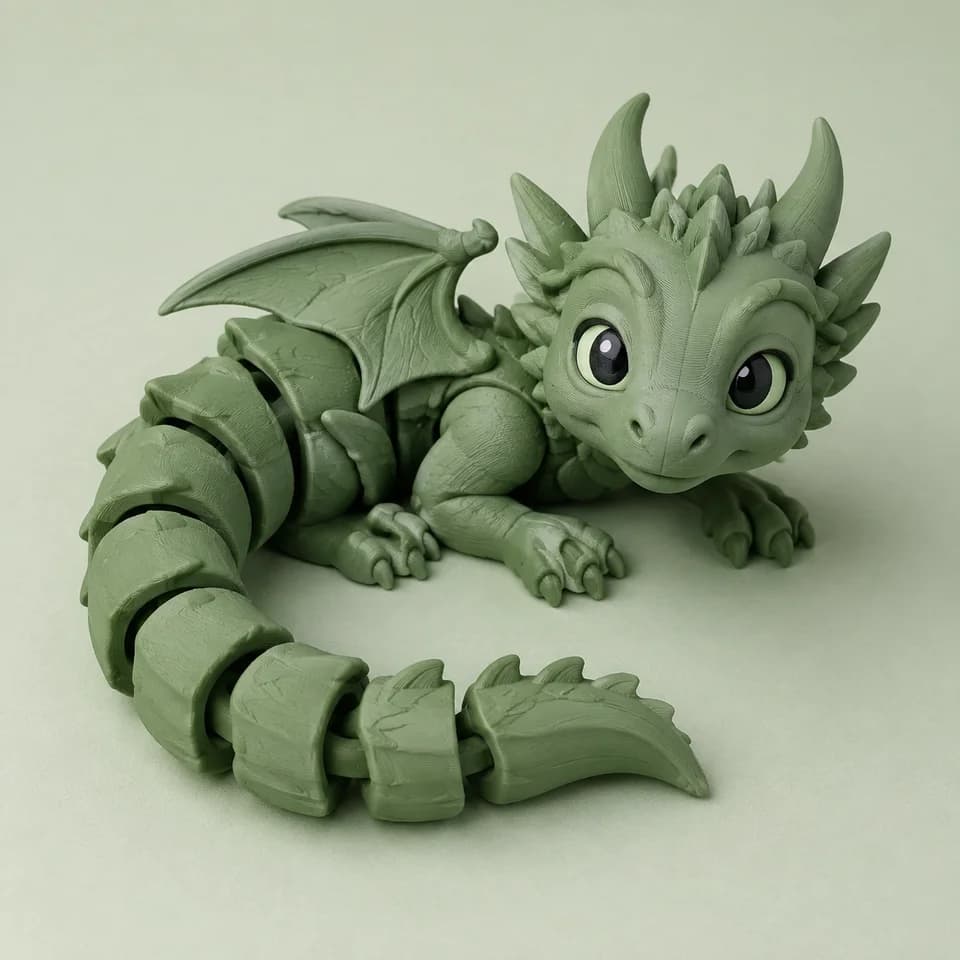
Print prep
Choose slicer settings, inspect the toolpath preview, and save a repeatable print project.Bambu StudioOrcaSlicerPrusaSlicer




Loading published skills…
Turn your process into a skill
Write it up once in Studio and run it again whenever you need it.